Water Demo
Back
The Goal
We will explain how to create blocks that are rendered like water.
You can partially see through these blocks from above the surface
of the water.
Also, if you are inside the water you can see the surface.
It is up to you to figure out how to move the player through water.
Visibility Materials
Currently, the engine supports the following 4 visibility
types of blocks:
- solid
- truly visibly empty
- glass
- water
Glass
To create a glass block, create a file called
WorldNodes/Nodes/block_glass.lua
which reads as follows:
--File: block_glass.lua

function p.__get_is_solid() return true end

function p.__get_tex() return "tex_glass" end

--The player cannot move through these blocks.
--This function is actually not needed here
--because __get_is_solid returns true.
function p.__get_is_solid_move_body() return true end

--To make the block "visibly glass",
--the visibly solid function must return false
--and the is visibly glass function must return true
--(and the is visibly water function must return false).
function p.__get_is_solid_visibly() return false end
function p.__get_is_solid_visibly_glass() return true end

function p.__main()
    set_default_block("block_glass")
end
The file Textures/texture_names.txt
should have the following line:
tex_glass a block_glass.png
Here is the glass
texture itself.
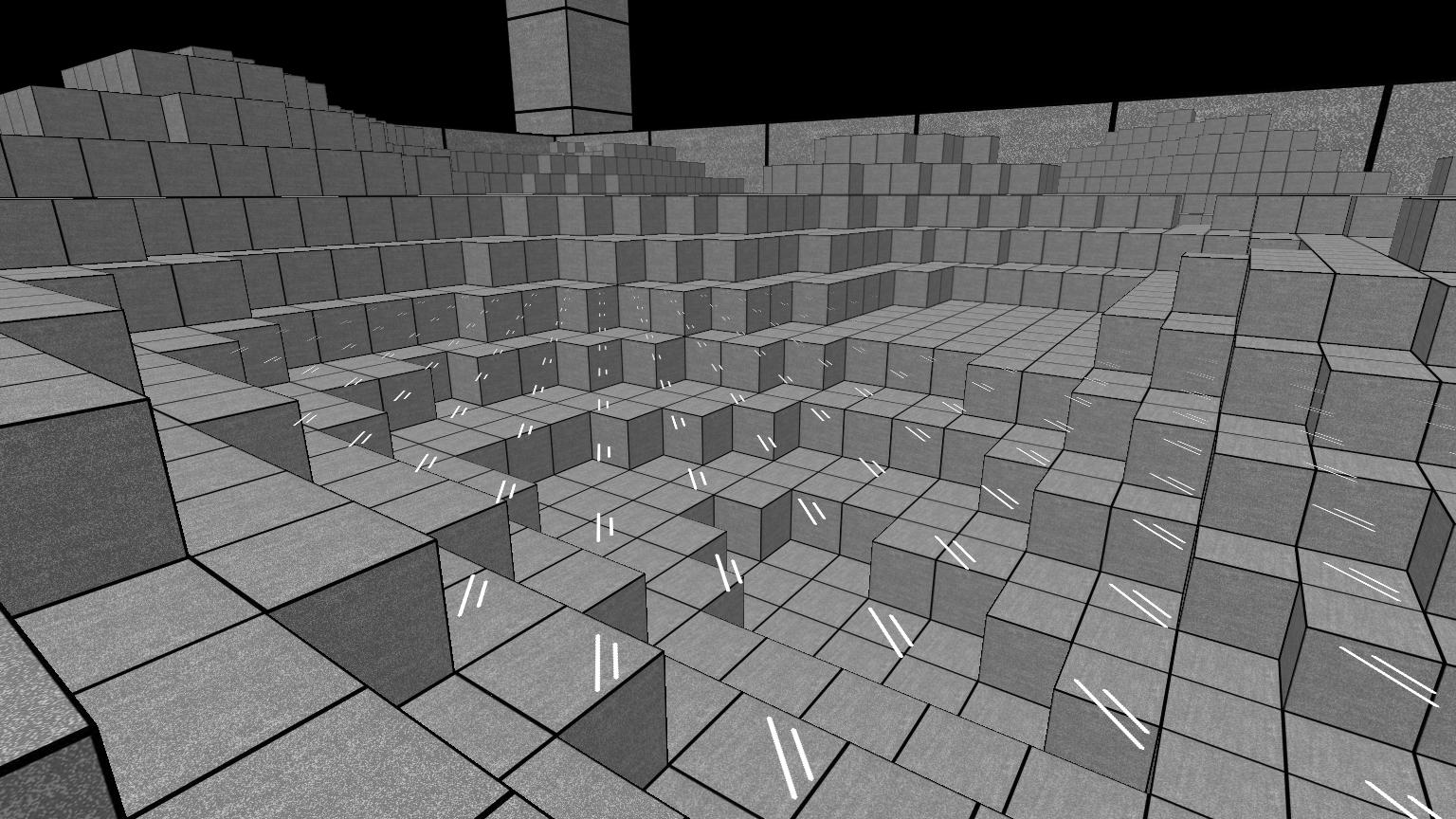
Here is a picture of glass where there should be water:
The Problem With Partially Transparent Textures
The glass texture above has the following special
property that every pixel of the texture is either 100% transparent
or 100% clear.
Because of this, the engine does NOT need to sort these squares from
back to front when rendering.
On the other hand, squares that do have "partial transparency"
(that is, at least one pixel whose alpha value is strictly between
0.0 and 1.0) must be sorted from back to front.
This causes complexity, and they are slower
(so you should only use them if there is a good reason to do so).
If you want your block to have textures with
partial transparency, you need to add the following line
to the block script file:
function p.__get_is_partially_transparent() return true end
Water vs Glass
Water is just like glass, except when you are inside glass you
cannot see the surface, but when you are inside water you
can see the surface.
Glass type blocks can be partially transparent
(but they don't need to be)
and the same applies to water type blocks.
Water Example
Here is what a block script for a water block
might look like:
--File: block_water.lua

function p.__get_is_solid() return false end

function p.__get_tex() return "tex_water" end

--The player can move through the water.
function p.__get_is_solid_move_body() return false end

function p.__get_is_solid_visibly() return false end
function p.__get_is_solid_visibly_water() return true end

function p.__get_is_partially_transparent() return true end

function p.__main()
    set_default_block("block_water")
end
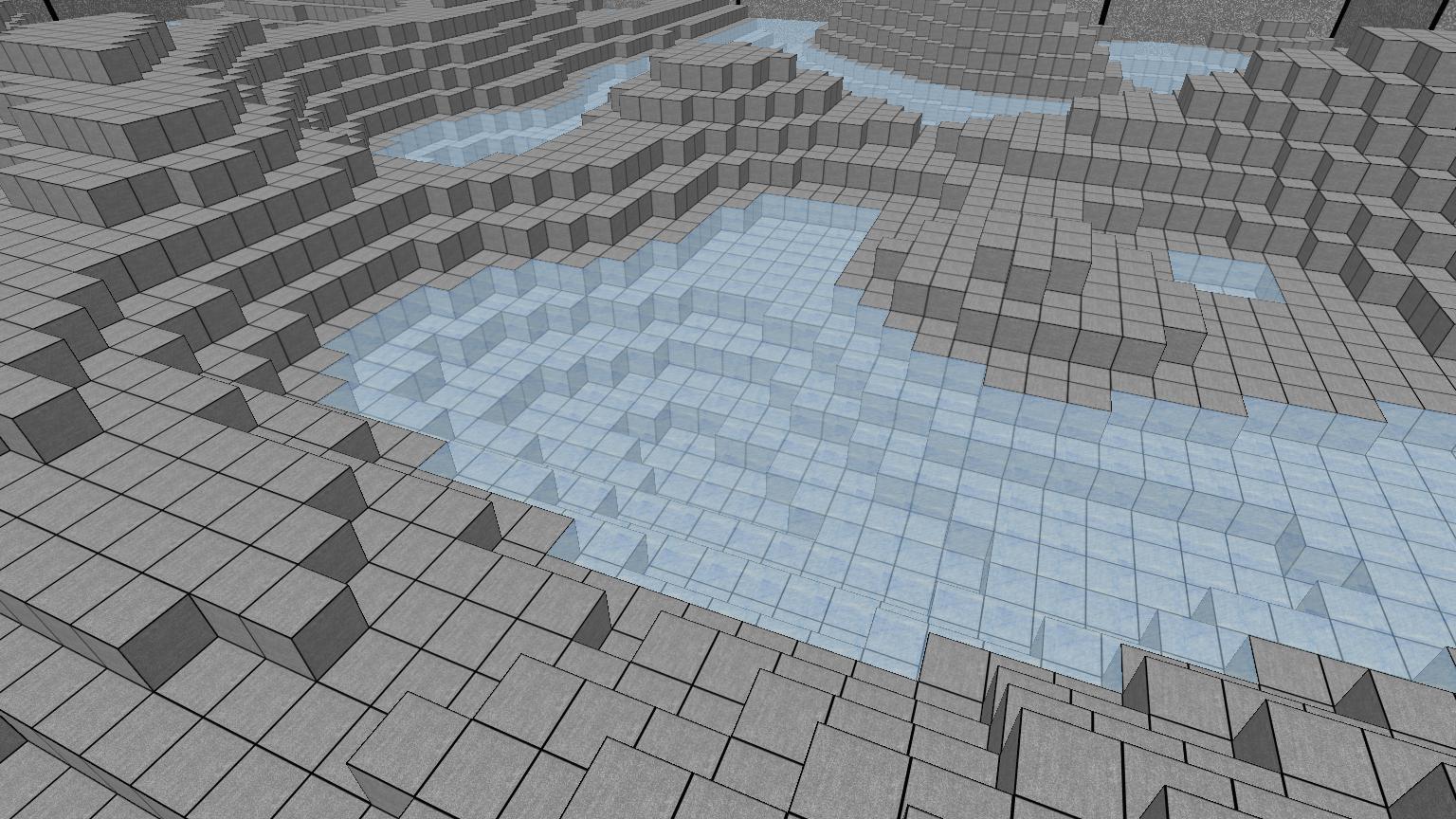
Here is what it looks like from above:
Here is the glass
texture itself.
Every pixel of the texture has a 50% alpha value.
Here is a picture from inside the water:
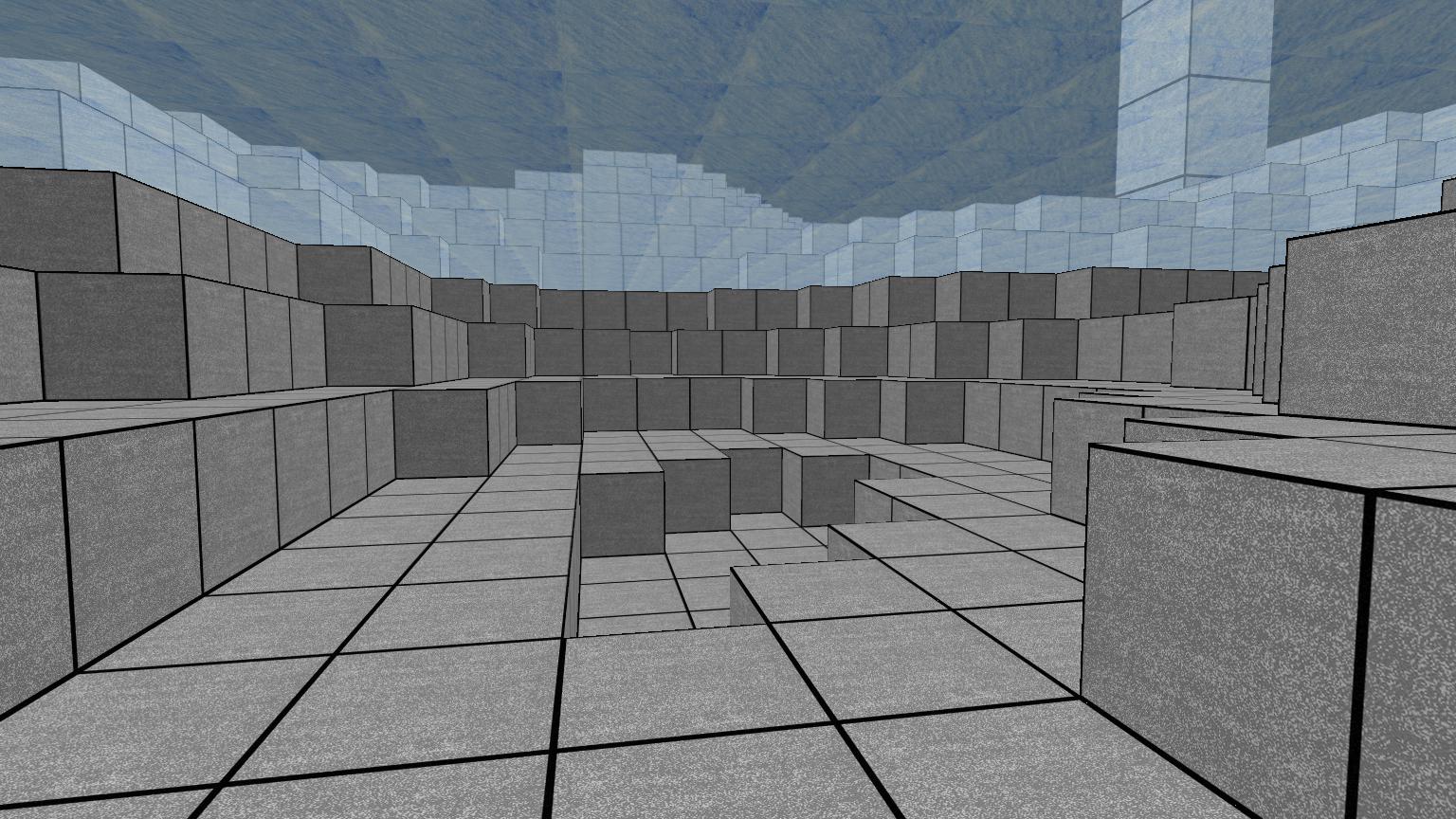
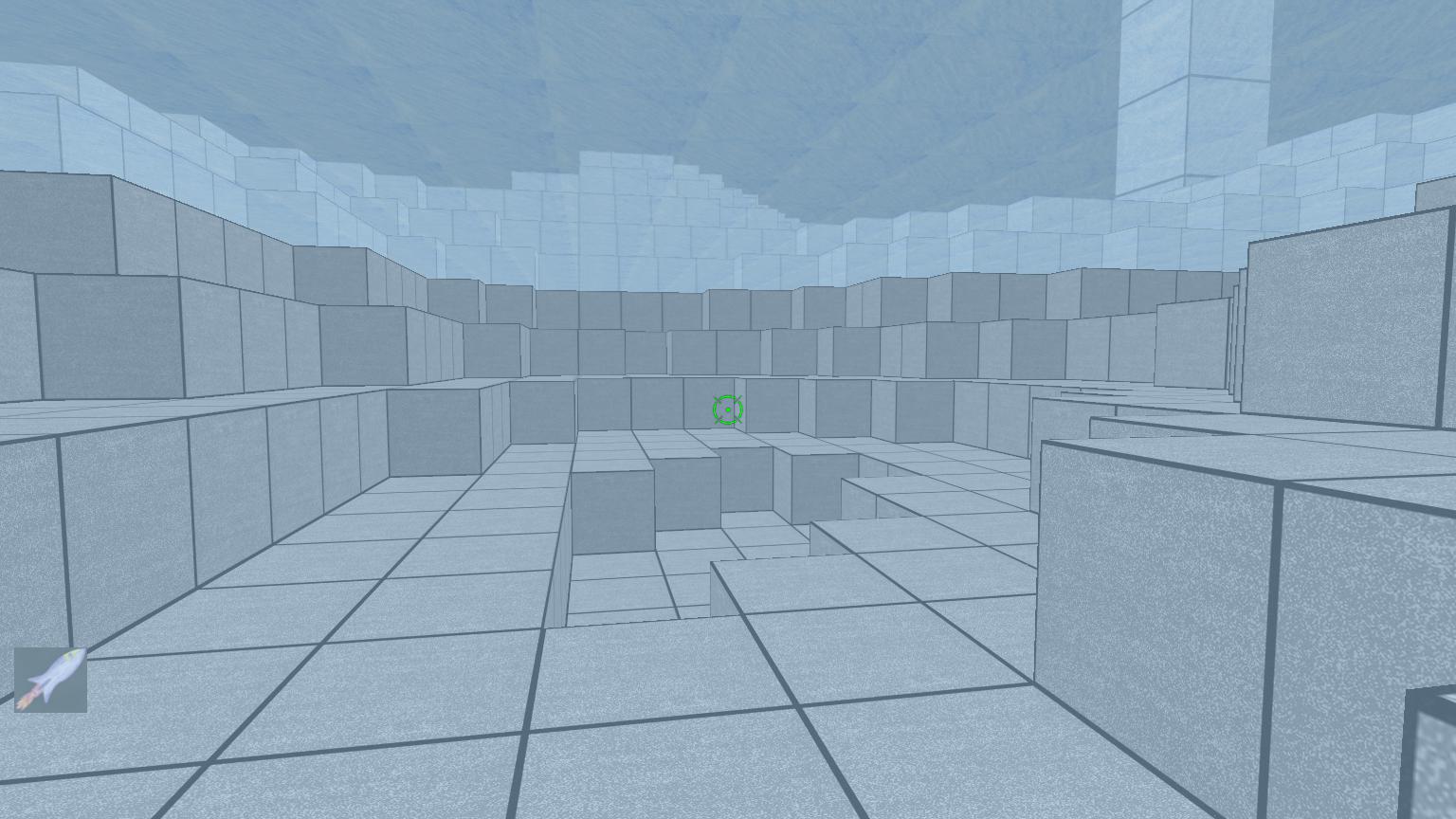
The above picture looks OK, but we can make it better
by shading the screen blue if we are underwater.
This can be accomplished by adding the following
code to the game's HUD window (assuming your package
has a HUD window):
function p.player_eye_in_water()
    local level = ga_get_viewer_level()
    local bp    = ga_get_viewer_bp(level)
    local bt    = ga_bp_to_bt(level, bp)
    if( bt == "block_water" ) then return true end
    return false
end

function p.get_underwater_color()
    return std.vec(0.66, 0.83, 0.96) --Light blue.
end

--Rendering the HUD window.
function p.__render(wid)
    --...

    --Putting this at the end:
    --Blue because underwater.
    if p.player_eye_in_water() then
        local min_x = 0.0
        local min_y = 0.0
        local max_x = 1.0
        local max_y = 1.0
        local color = p.get_underwater_color()
        local alpha = 0.5
        ga_win_quad_color_alpha(wid, min_x, min_y, max_x, max_y, color, alpha)
    end
end
Here is what it now looks like underwater: